


In three months we designed Cognite’s documentation portal end to end — the place their users go to learn the platform.
Cognite (Oslo, Norway) builds industrial data software for the oil and gas industry. The platform is broad, deep, and configured a little differently by every organization that runs it — which makes the documentation the place where people actually work out what the product can do and how to shape it around their own setup. We designed that portal end to end: the landing page, the navigation, the article templates, and the components underneath them.

Design problem
People arrive at documentation with a job in hand, not a question. They need to know how to work with the software, and how to adapt it to the way their own organization runs. That makes documentation a product in its own right — it has to answer one specific thing quickly, then get out of the way.
The material behind it is large, technical, and constantly growing, and it serves several audiences at once: engineers wiring up APIs, data teams modeling their assets, operators using the apps day to day. The challenge was to give all of it a structure that a first-time visitor and a returning specialist could both move through without being taught how.
Structure
We treated the landing page as a set of doors rather than a table of contents. Key concepts for people who need the mental model first, product-level entry points for those who already know where they are heading, and developer material one step away for the audience that would rather read code than prose.
Below that, every page is built from a small set of article templates, so an article behaves the same wherever it sits in the tree. Search, breadcrumbs and in-page navigation hold their positions throughout — the deeper someone goes, the less the interface changes around them.

Every screen size
Documentation gets read everywhere: on a laptop next to an editor, on a tablet in a meeting, on a phone out in the field. So we designed the full range rather than drawing one desktop layout and trusting it to reflow — each breakpoint was specified on its own, down to how the navigation collapses, how code blocks hold up as the column narrows, and what gets dropped when there is no room left for it.
Working inside the client’s design system
Cognite’s design system was genuinely good — thorough, well-maintained, and already carrying the visual language of the platform itself. The goal was to use it, not to work around it. Wherever an existing component could do the job, it did, and the portal inherits the platform’s type, spacing and color without reinterpreting any of it.
That constraint turned out to be the fastest route through the work. It kept the documentation feeling like part of the product rather than a site parked next to it, and it is a large part of why three months was enough for a portal of this size. Where we did need something new, we handed it back in the system’s own terms — documented, and ready to be used again.
Built on Cognite’s design system
“Cognite’s branding and design system were already in place, and they were genuinely good — mature, consistent, properly documented. That let us put the whole project into the hard interaction problems instead of the surface. A pleasure to design inside.”
 Michał Gryczka, Designer

The brand was already excellent
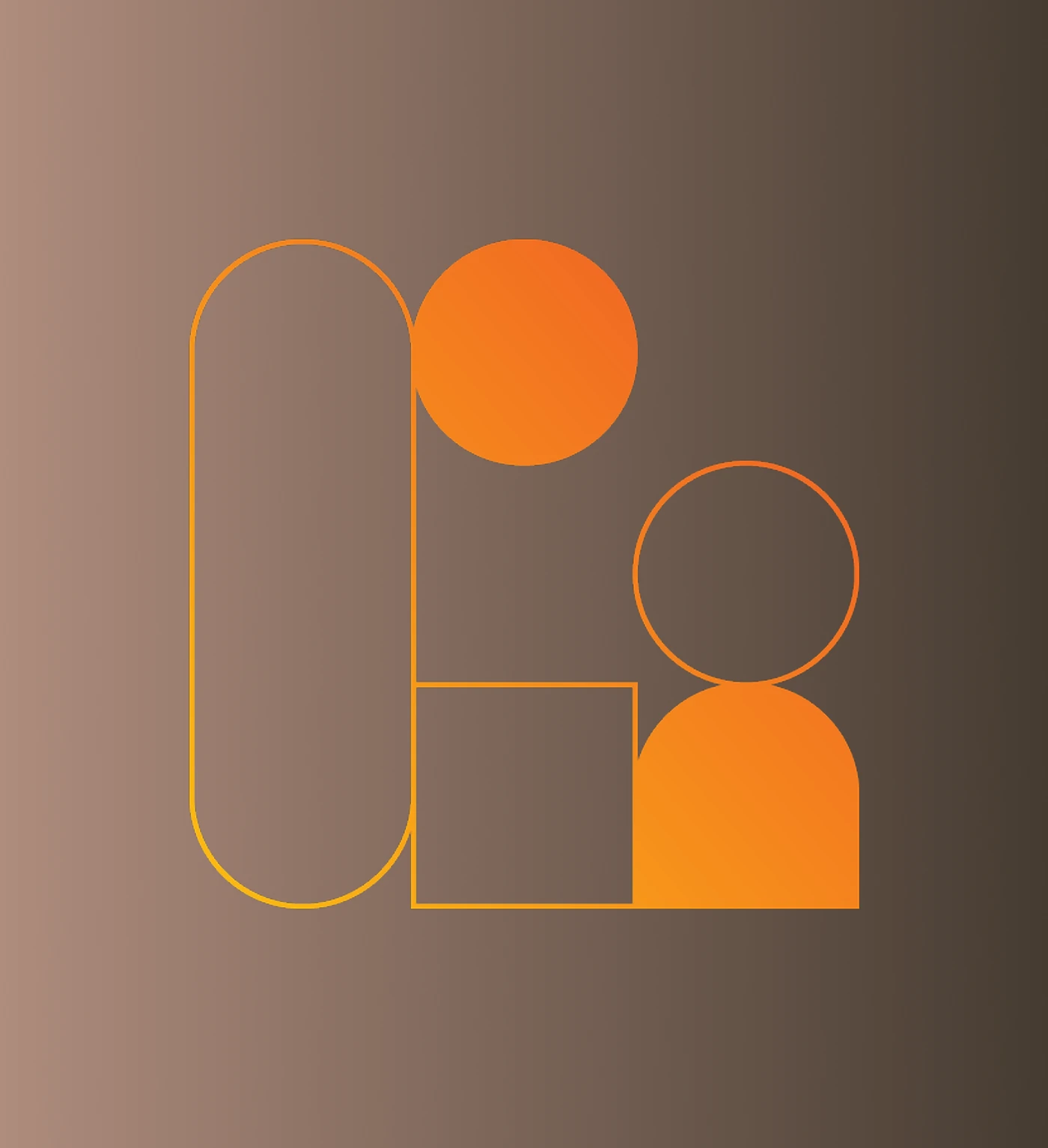
The marks are built from a handful of repeating geometric forms, so every one of them reads as part of the same family. We could lean on that for structure instead of inventing a second visual language next to the product.
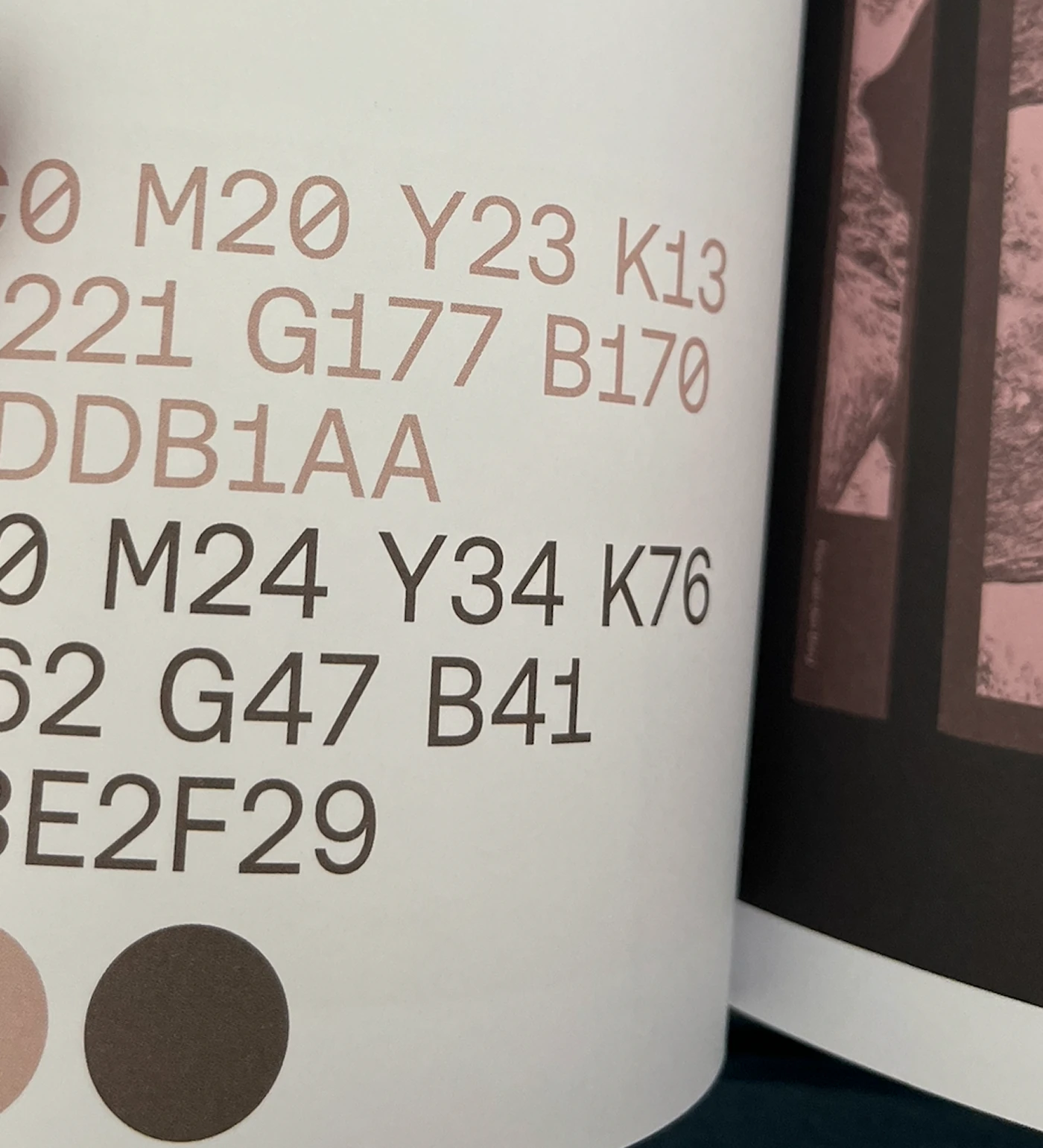
The palette is just as considered — a warm, muted base with a small set of accents that never fight each other, and every value written down to the hex. It carries a dense, data-heavy interface without ever getting loud.


Brand system by Cognite. Product design by Lab1.